

3D preview and liveries
Preview shows any GTA V model in 3D: vehicles (.yft), props and interiors (.ydr) and clothing (.ydd).
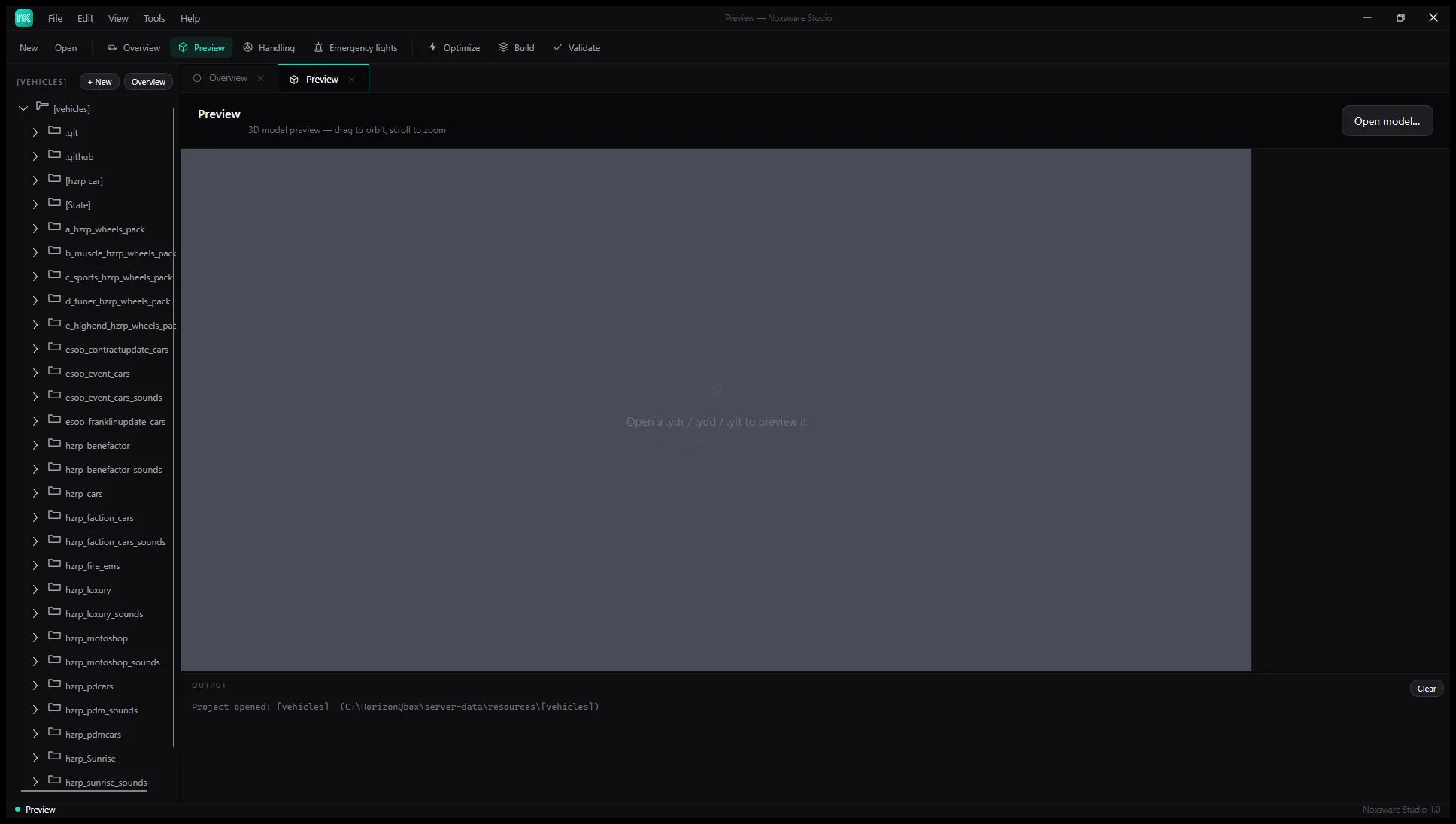
Open a model in any of these ways:
- Open model… in the top right.
- Drag a model file onto the page.
- Double-click a model in the Explorer.
Mouse: drag to orbit, scroll to zoom. The chip in the corner shows the vertex and triangle count, or No geometry (escrow-protected or empty) for locked files.
Paint and liveries
Section titled “Paint and liveries”Once a vehicle is loaded, the panel on the right shows:
- Appearance → Paint: eight colours to try on the car’s paint.
- Livery: pick one of the model’s liveries, or No livery.
- Parts by shader: every part of the model grouped by shader, with toggles for show, paint and livery. Use them to hide glass or see which parts take the livery.
Export a UV template
Section titled “Export a UV template”Export → Export UV template writes transparent 2048×2048 PNG wireframes of the model’s UV layout into a <model>_uv folder next to the model, and opens that folder. A vehicle with livery parts gets one <model>_livery_uv.png, ready for a livery artist to paint over.
Wheels
Section titled “Wheels”Cars show without wheels unless you set Settings → Vehicle wheel model (.ydr).