

Validate
Validate checks assets for problems before you put them on a server.
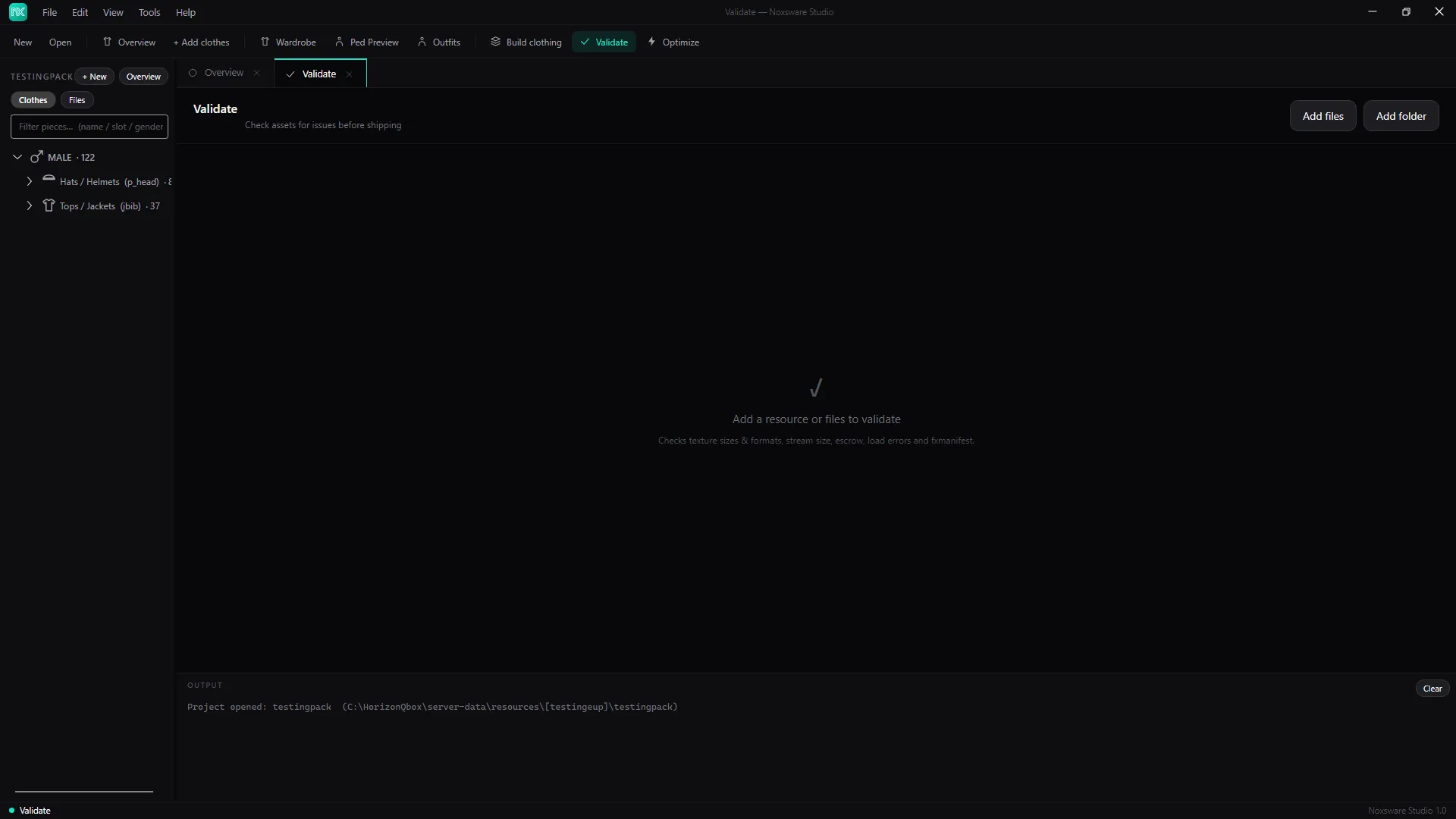
- Click Add folder (or Add files), or drop a resource folder on the page. Validate doesn’t load the open project by itself, so add the folder you want checked.
- Read the result: ALL CLEAR — N ASSETS, or N ISSUE(S) FOUND — N ASSETS with each check below.
| Check | Fails when | Fix |
|---|---|---|
| Assets readable | N asset(s) failed to load — corrupt or unsupported format | Re-export the file from its source. |
| Texture size (16 MB rule) | N texture(s) exceed 16 MB — run Optimize | Optimize. FiveM warns about oversized assets. |
| Texture compression | N uncompressed A8R8G8B8 texture(s) — recompress to DXT5 (~4× smaller) | Optimize. |
| Texture resolution | N texture(s) larger than 2048px — downscale | Optimize with MAX 2048 or lower. |
| Stream size | … over the 500 MB ceiling | Optimize, or split the resource. |
| Escrow-protected assets | N FXAP file(s) — encrypted by Cfx.re, cannot be read or optimized | Information only. They still work in game. |
| fxmanifest.lua | not found at the resource root | Add one, or point Validate at the resource’s own folder. |
| Optimization headroom | ~X MB of VRAM recoverable (N%) — see the Optimize module | Optional. |
With a clothing project open, a Game limits section follows, with the clothing limits for the pack: pieces per slot, colours per piece, shop entries and alternates. All clear reads Within every game limit.