

How clothing packs work
You don’t need to know any of this to use the studio. It handles numbering, naming and the metadata files for you. But knowing the rules makes the studio’s messages easier to read. The same text is in the app under Help → Clothing guide.
A pack is a resource
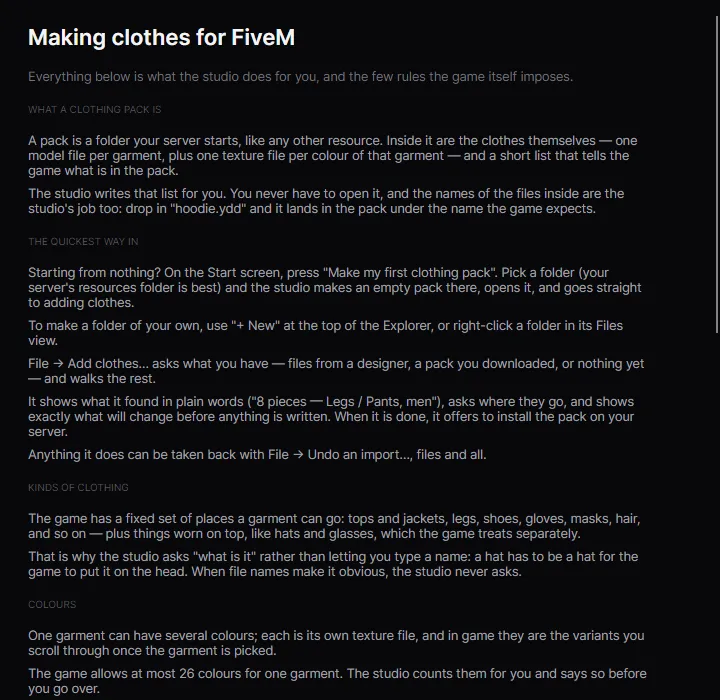
Section titled “A pack is a resource”A clothing pack is a folder your server starts, like any other resource. Inside it:
- the clothes themselves: one model file per garment (
.ydd), plus one texture file per colour of that garment (.ytd); - a short list that tells the game what is in the pack: a
.ymtfor men and one for women; - optionally a shop meta per gender, which puts the clothes in the vanilla clothing stores;
- an
fxmanifest.lua, like every resource.
The studio writes the lists for you, and renames files to what the game expects. Drop in hoodie.ydd and it lands in the pack as something like mp_m_freemode_01_mp_m_mypack^jbib_046_u.ydd.
Slots: what a piece is
Section titled “Slots: what a piece is”The game has a fixed set of places a garment can go: tops and jackets, legs, shoes, gloves, masks, hair and so on. Things worn on top, like hats, glasses and watches, are props and work a little differently. A hat has to be a hat for the game to put it on the head, which is why the studio asks “what is it” instead of letting you type a name. When the file name makes it obvious, it never asks.
The full list is in Clothing slots.
Men and women
Section titled “Men and women”The male and female freemode peds have separate clothes. A piece is for one of them. If you want the same jacket on both, you need a male and a female model.
Numbers, and why they matter
Section titled “Numbers, and why they matter”Within a pack, each piece has a number per slot and gender: Tops / Jackets for men, item 13. In game, players and scripts refer to clothes by these numbers, and saved outfits store them.
That’s why the studio always adds new pieces after the last one, and never renumbers existing ones unless you explicitly ask with Delete & renumber…. Outfits your players already saved keep working.
Colours
Section titled “Colours”One garment can have several colours. Each is its own .ytd, and in game they’re the variants you scroll through once the garment is picked. They’re lettered a to z, so 26 colours at most per piece.
How full a pack can get
Section titled “How full a pack can get”- 128 pieces per slot per gender is where packs are normally split. The studio stops adding to a slot at 128 and offers a second pack instead.
- 256 is the hard limit. Past it the game sees zero pieces in that slot and everything in it disappears.
- 65,520 shop entries across your whole server, counting one per piece plus one per colour. This budget is shared by every clothing pack your server starts. Over it, players crash while joining, and the crash log blames the wrong resource.
The Server limits page checks all of this across your server. All numbers: Game limits.
Skin: _u and _r
Section titled “Skin: _u and _r”Each top/torso piece is either covers the skin (_u, universal) or shows skin (_r). A _r piece uses the ped’s skin tone for the visible skin. Set it on the piece page if the studio guessed wrong.
Escrow
Section titled “Escrow”Pieces locked by their creator with FiveM’s asset escrow can’t be copied into another pack. The studio leaves them out and says so: locked by its creator (escrow), so it cannot be copied.