

Library
The Library is a shelf for packs and assets you come back to. It’s remembered between sessions.
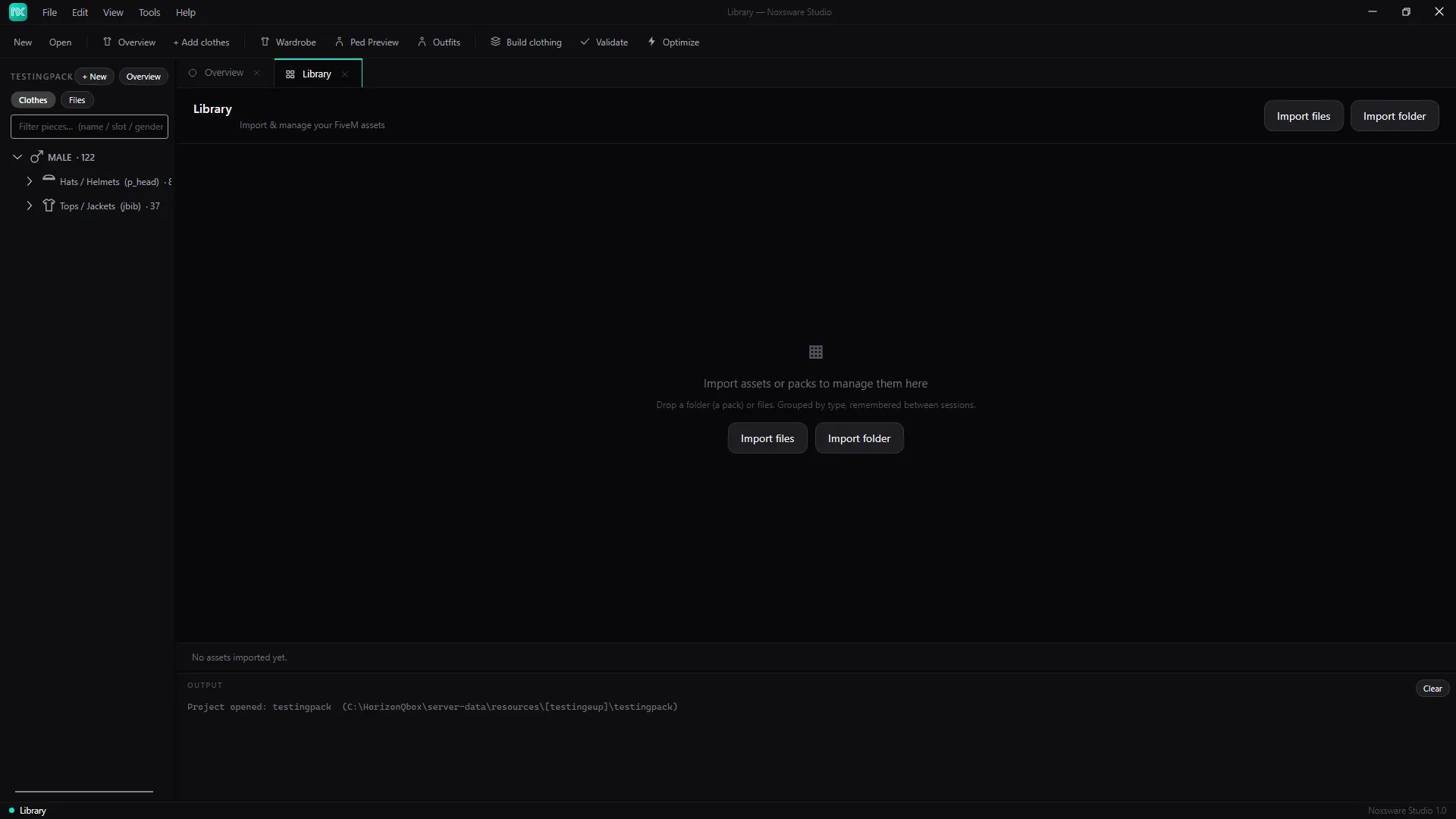
- Import files adds single assets (
.ytd,.ydr,.ydd,.yft). Import folder adds a pack. You can also drop them on the page. - Items are grouped into Vehicles, MLO / Map, Clothing and Other.
- Each card shows whether it’s a pack or a single asset, how many assets it holds and its size, with:
Folders with no assets are skipped, and the same item isn’t added twice. Settings → Clear library empties the list at once, without asking.