

Buy and download
Everything happens in the client portal at noxsware.com/portal. You sign in with Discord: there is no separate Noxsware password.
1. Sign in with Discord
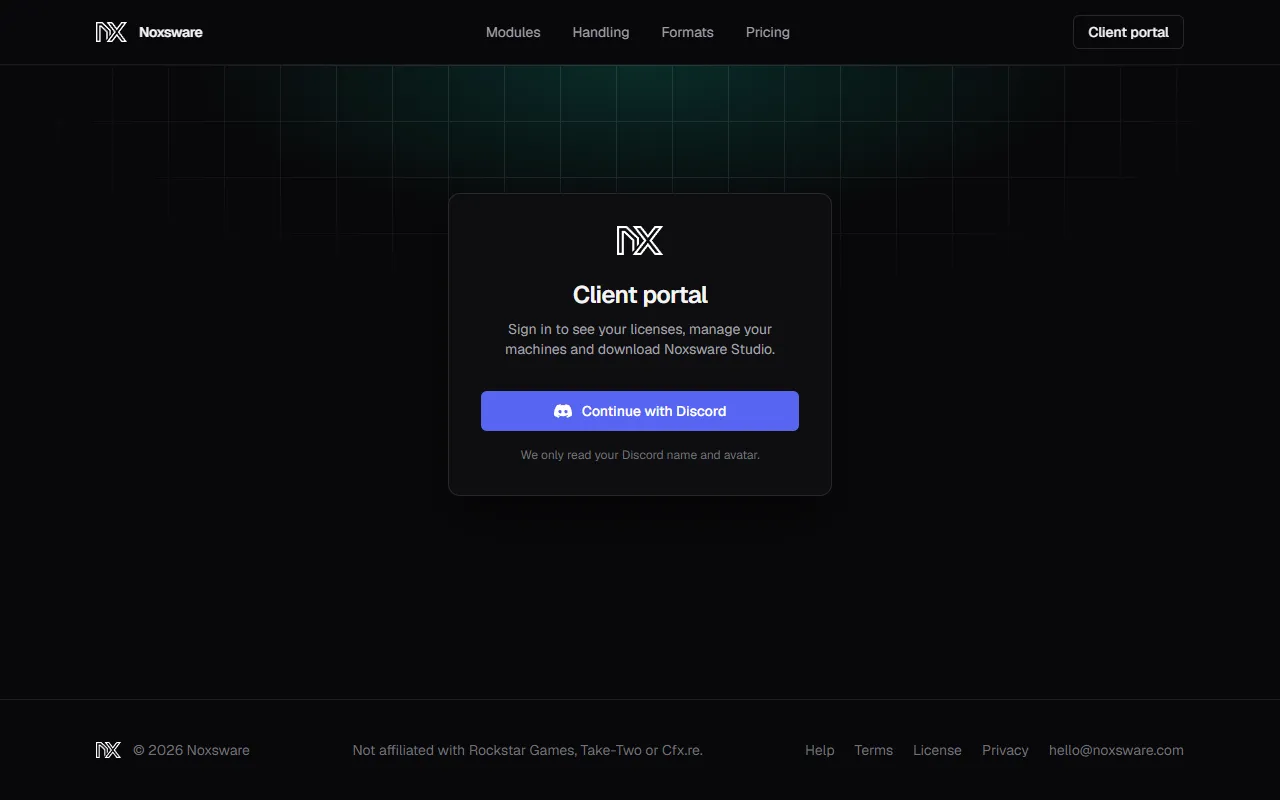
Section titled “1. Sign in with Discord”- Go to noxsware.com and click Client portal in the top right (or Download for Windows on the home page).
- Click Continue with Discord.
- Discord asks you to allow Noxsware to read your account. We only read your Discord name and avatar: no e-mail, no servers, no messages.
You stay signed in for 7 days on that browser.
2. Get a license
Section titled “2. Get a license”There are two ways to get a license onto your account.
Buy one
Section titled “Buy one”- In the portal, scroll to Subscribe.
- Pick a plan. Solo runs on one machine at a time; Studio runs on unlimited machines. Each comes monthly, yearly, or as a one-time lifetime purchase. See Plans and billing.
- Click Subscribe (or Buy for lifetime). You go to Stripe’s checkout.
- Tick I agree to the terms of sale and the license agreement and pay.
The key appears on your account the moment the payment goes through. You can use a promotion code on the Stripe page if you have one.
Link a key you already have
Section titled “Link a key you already have”If someone bought the license for you, or you got the key by another route:
- In the portal, find Link a license.
- Paste the key (
NOX-XXXXX-XXXXX-XXXXX-XXXXX) and click Link license.
You’ll see License linked to your account. Each key can belong to one Discord account. If it is already linked to another one, you’ll see That key is already linked to another Discord account. Contact support.
3. Download the studio
Section titled “3. Download the studio”Once your account has an active license, the Download card at the top of the portal unlocks.
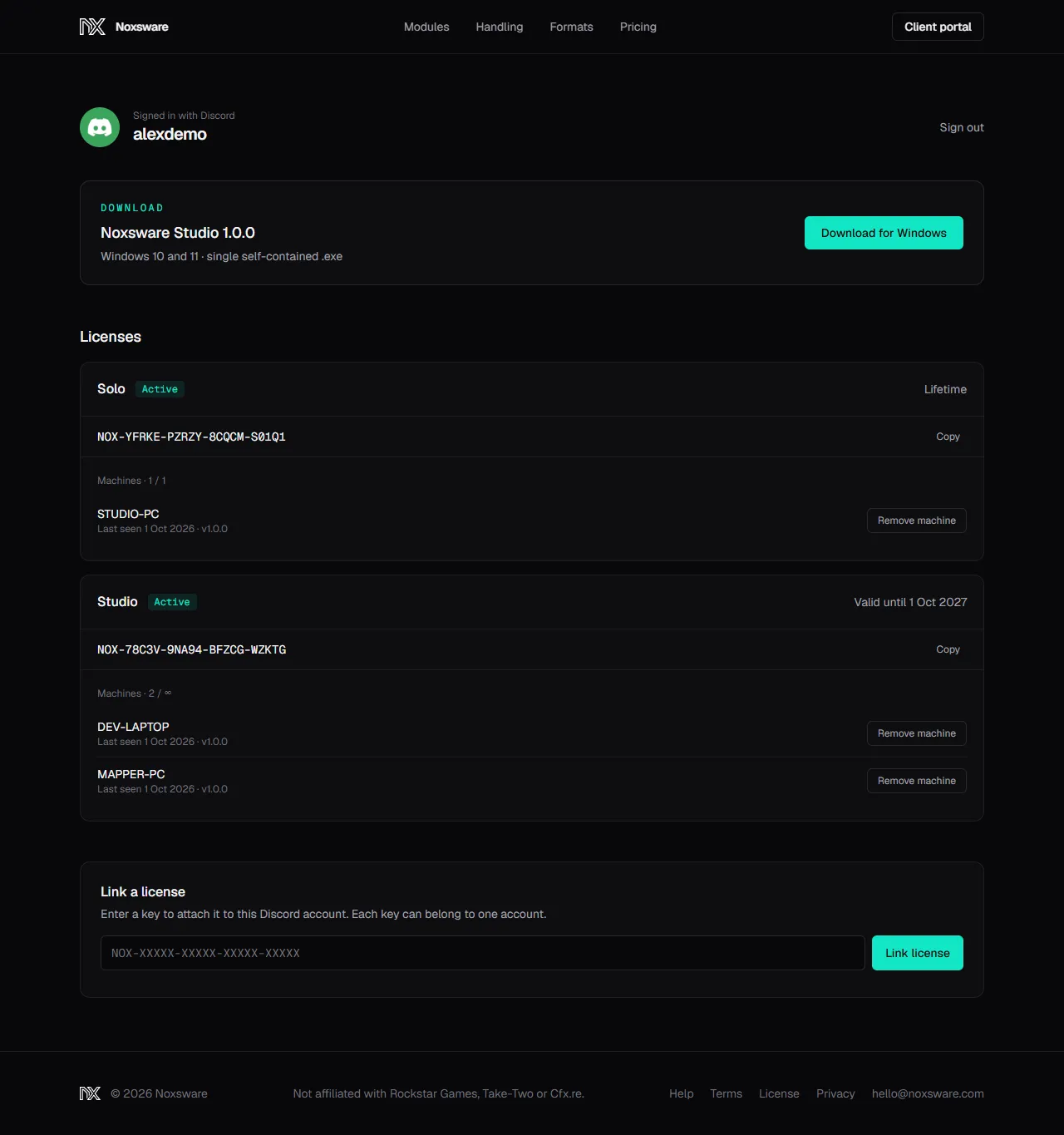
Click Download for Windows. You get NoxswareStudio.exe (about 105 MB). Put it anywhere you like, for example in Documents\Noxsware. There is no installer.
If the button is greyed out, your account has no active license yet. Link or buy one above.
4. First start: SmartScreen
Section titled “4. First start: SmartScreen”The first time you open the .exe, Windows may show “Windows protected your PC”. That happens with new apps that aren’t yet widely downloaded.
- Click More info.
- Click Run anyway.
Windows remembers your choice for this file.