

Admin portal
The admin portal at admin.noxsware.com is where staff manage licenses, clients and the team. It looks like the client portal, but with a violet accent so the two are never mixed up. Everything you can do here is reversible, and every change is recorded in the audit log.
Signing in
Section titled “Signing in”- Go to admin.noxsware.com. (Cloudflare Access may ask you to confirm your e-mail first.)
- Click Continue with Discord.
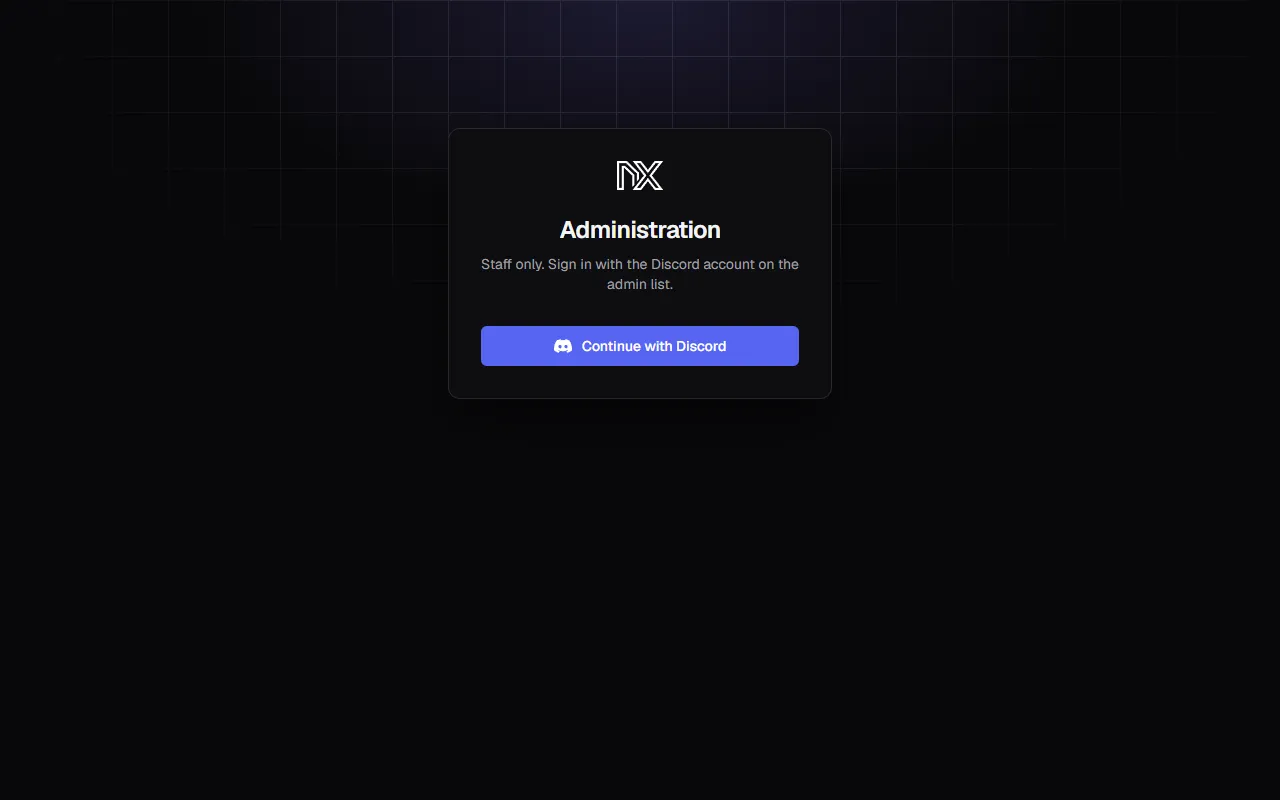
Your Discord account must be on the admin list. If it isn’t, you’ll see No access — your Discord account is not on the admin list (or it was removed). Ask an owner to add you. Sessions last 12 hours.
Overview
Section titled “Overview”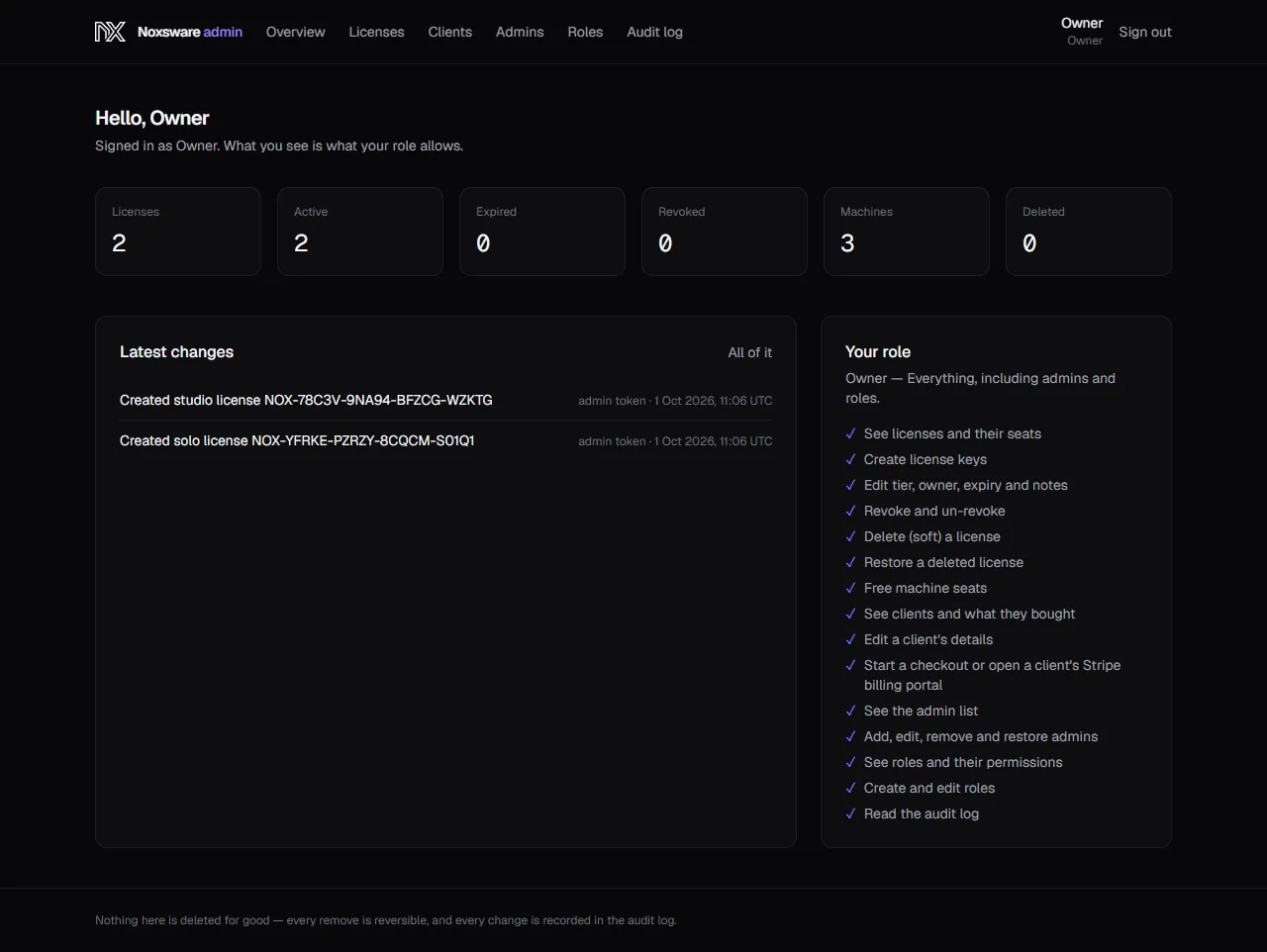
- Counters: Licenses, Active, Expired, Revoked, Machines, Deleted.
- Latest changes: the newest audit entries. All of it opens the full audit log.
- Your role: what your role lets you do. The navigation only shows the sections your role allows.
Sections
Section titled “Sections”| Section | What it’s for |
|---|---|
| Licenses | Find, create, edit, revoke and delete license keys; free machine seats. See Licenses and seats. |
| Clients | One row per buyer: their portal account, Stripe customer and keys. |
| Admins | Who can sign in here, and with which role. |
| Roles | Which permissions each role has. |
| Audit log | Every change made here, append-only. |