

Meta editor and versions
Meta editor
Section titled “Meta editor”Double-click any .meta in the Explorer (except handling files, which open in Handling) to open it in the Meta editor. The header shows the file and its kind: vehicles, carvariations, carcols, layouts or meta.
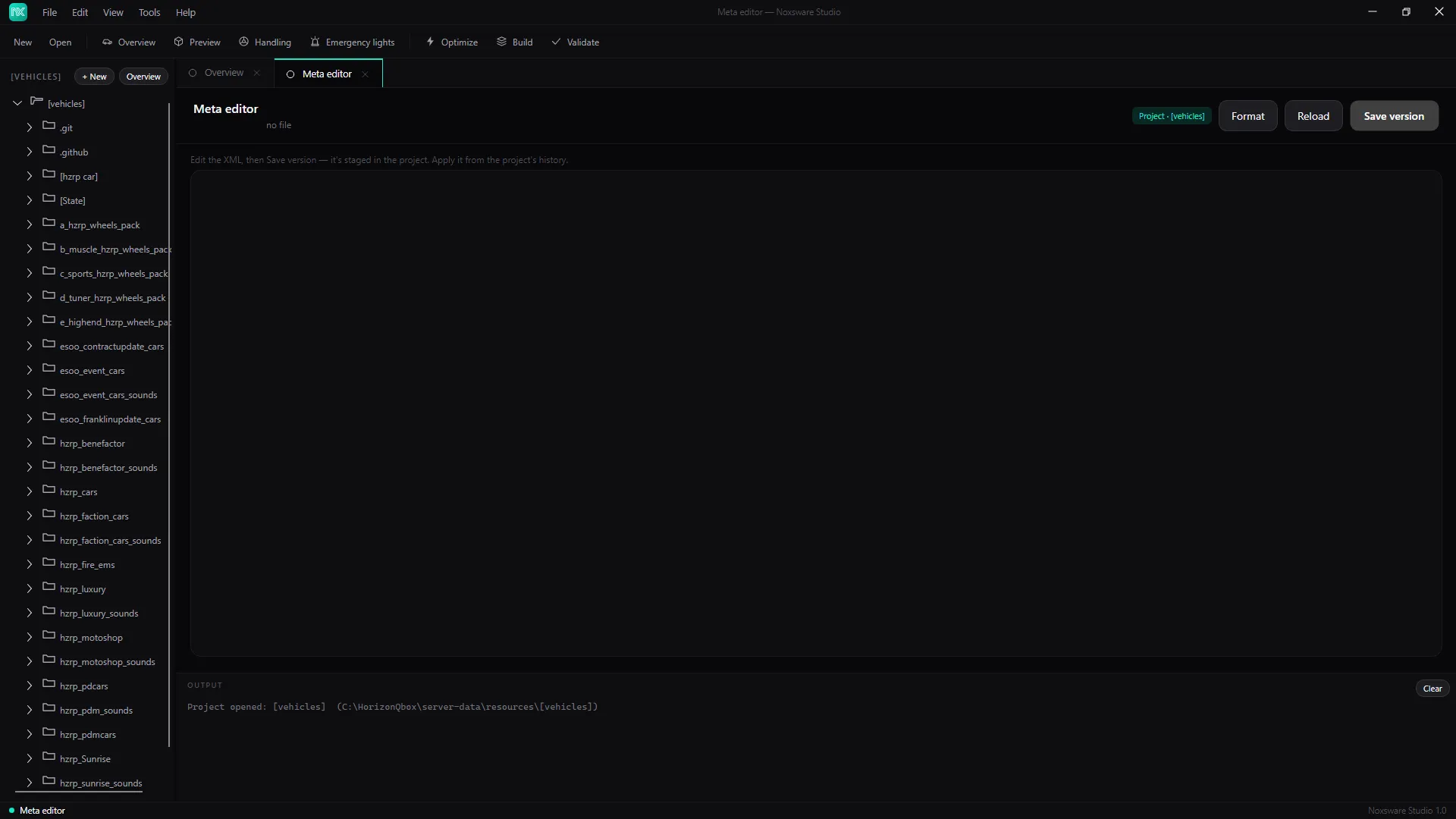
- Format re-indents the XML. If it isn’t valid XML, it says where: Can’t format — invalid XML: …
- Reload reads the file from disk again and throws away your edits.
- Save version stages your edit in the project: Staged version 14:02:31 → apply it from the project’s Overview. The file on disk doesn’t change yet.
When you open a file that has a staged version, the editor shows that version, not the file on disk.
Without a project
Section titled “Without a project”With no project open, the button reads Save file…. It saves the XML to a file you pick. If that overwrites an existing file, the old one is kept as .noxbak first; if that copy can’t be made, nothing is saved.
Versions
Section titled “Versions”Every Save version in Handling or the Meta editor adds a version to the project. They’re listed on the Overview page under Version history, newest first.
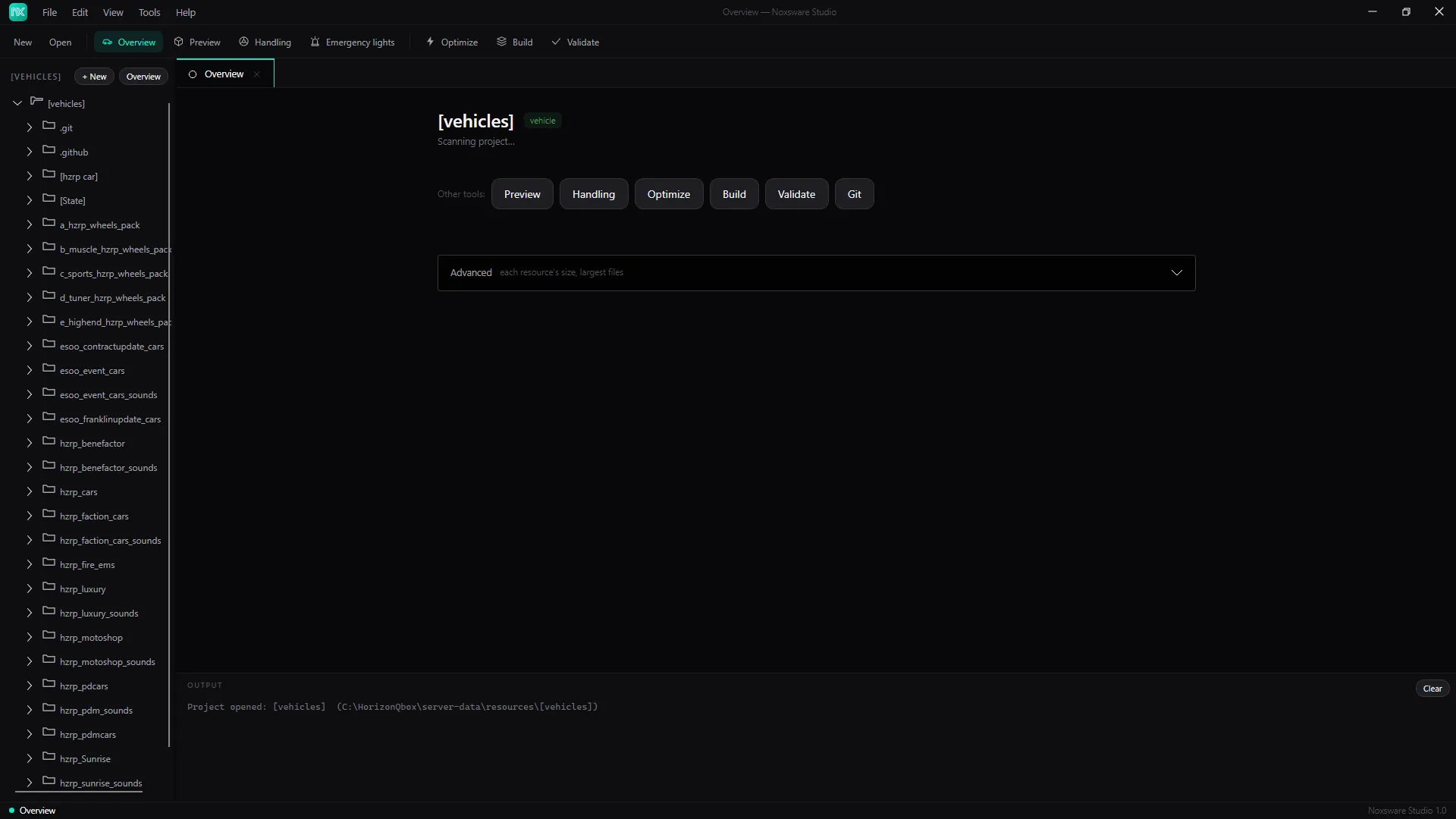
Each version shows its name, the kind of file, when it was saved, and a status: staged (saved, not in the file) or applied (this is what’s in the file now).
- Apply writes that version to the real file. The studio asks first and says what will change. Meta files other than handling are replaced as a whole; handling versions only change their own car.
- Edit opens it again in Handling or the Meta editor.
To roll back, apply an older version. Before the studio writes a file for the first time, it keeps the original as .noxbak, so File → Advanced → Restore originals can always get back to how it was before the studio touched it.
Versions are stored under %AppData%\Noxsware\Projects\<project>\history\.