

Tattoos
Tools → Tattoos builds an add-on tattoo resource from overlay textures.
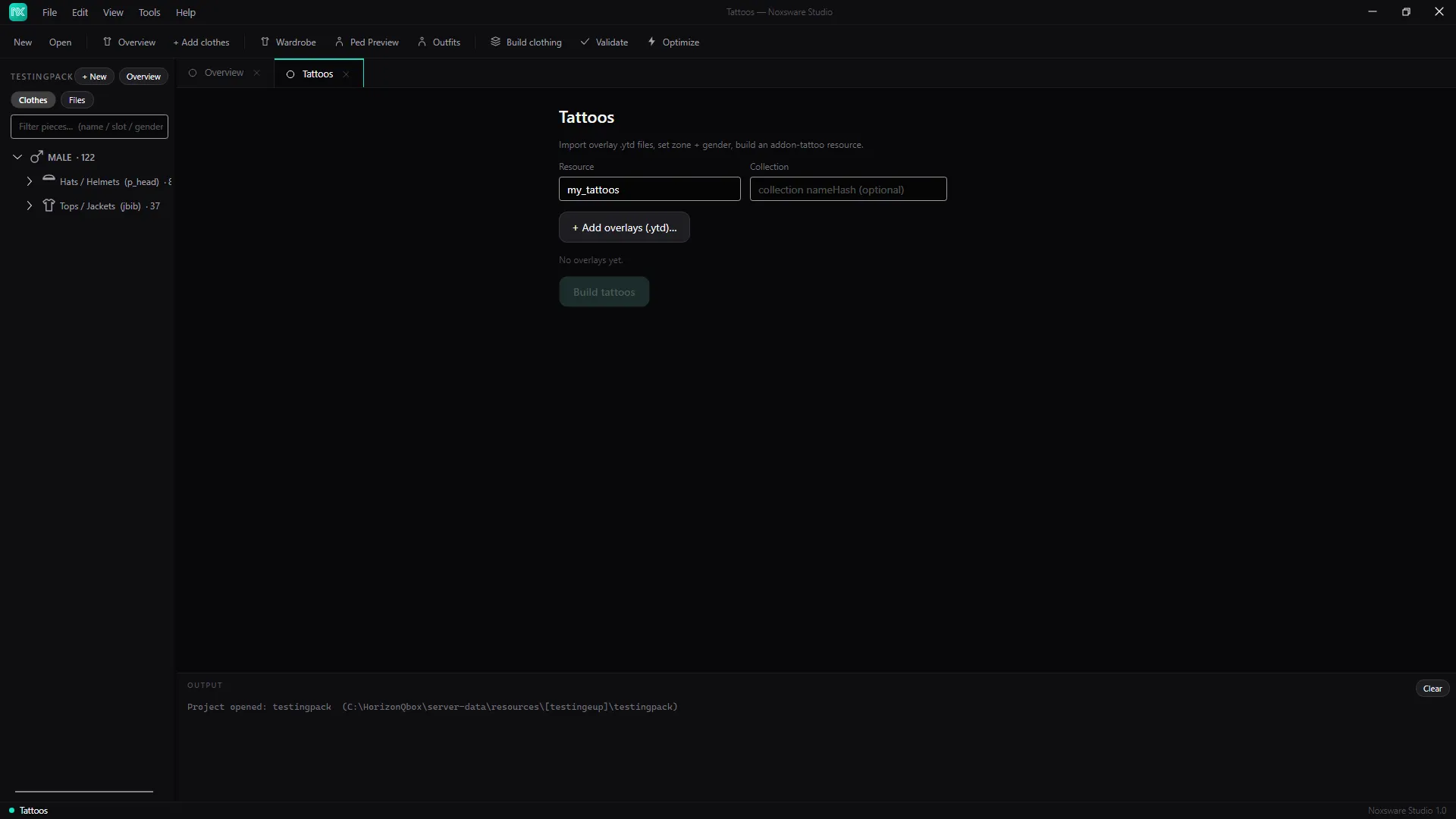
- Set the resource name (default
my_tattoos). Optionally a collection nameHash. - Click + Add overlays (.ytd)… and pick your tattoo textures.
- For each overlay, set the zone (Head, Torso, LeftArm, RightArm, LeftLeg, RightLeg) and gender (Male, Female, Both). ✕ removes one.
- Click Build tattoos.
The resource contains:
my_tattoos/├─ fxmanifest.lua├─ shop_tattoo.meta├─ <collection>.ymt.xml├─ stream/*.ytd└─ README.txt