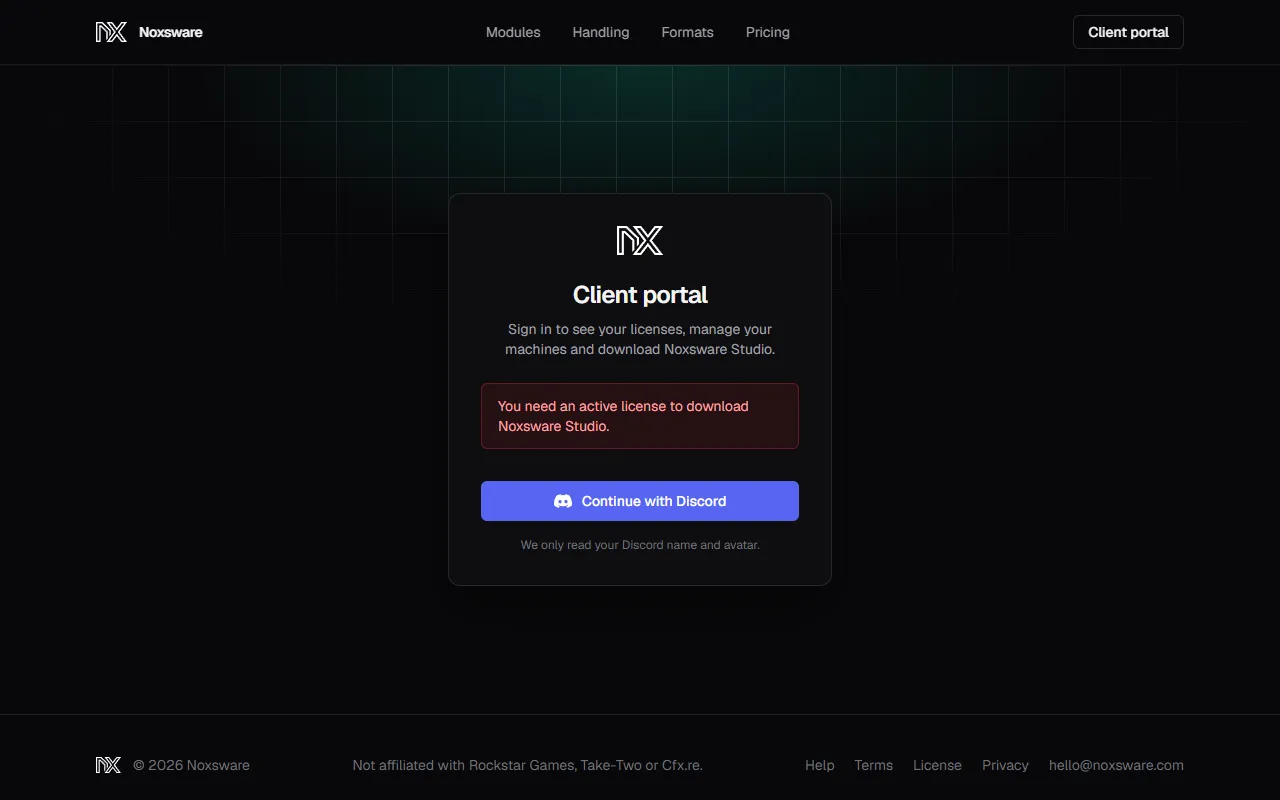
Client portal
The client portal at noxsware.com/portal is where you manage your licenses. Sign in with Continue with Discord.
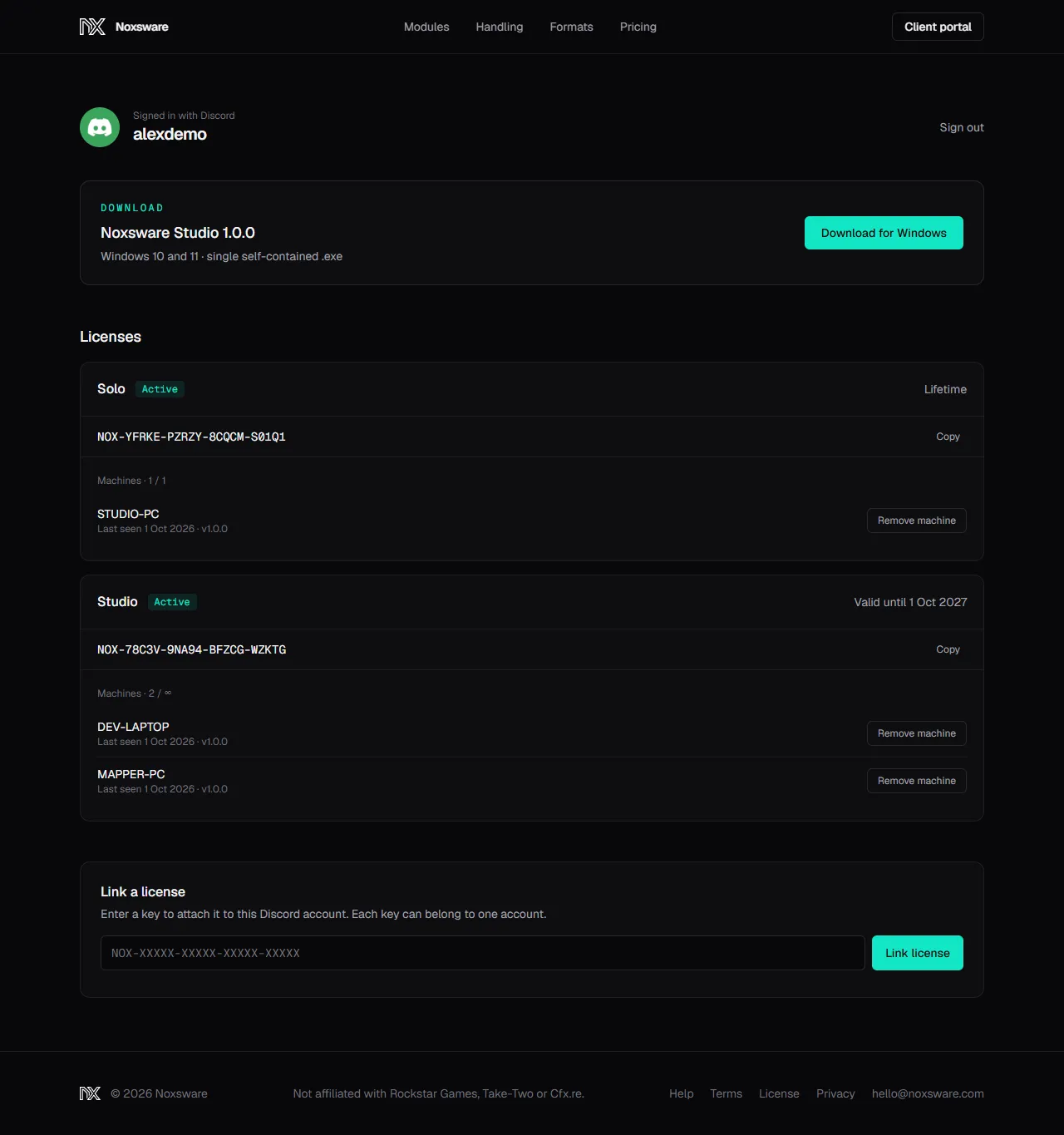
Download
Section titled “Download”The top card shows the current version of Noxsware Studio. Download for Windows is enabled while you have at least one active license. Without one, it says Link an active license below to unlock the download.
Licenses
Section titled “Licenses”One card per license:
- Solo or Studio, with a status: Active, Expired or Revoked.
- Valid until a date, Lifetime, or Ended a date.
- The full key, with Copy.
- Machines: how many PCs use it, out of how many are allowed (
1 / 1for Solo,n / ∞for Studio). Each machine shows its Windows PC name, when it last checked in and its studio version. - Remove machine frees that PC’s seat. See Move to another PC.
A license with no machines says Not activated yet. Open Noxsware Studio and enter the key above.
Link a license
Section titled “Link a license”Enter a key to attach it to your Discord account. Each key can belong to one account. See Buy and download.
Subscribe and Manage billing
Section titled “Subscribe and Manage billing”The Subscribe section lists the plans on sale. If you’ve bought before, Manage billing opens Stripe’s billing page, where you can see invoices, change your card, or cancel. See Plans and billing.
Sign out
Section titled “Sign out”Sign out in the top right. Sessions also end by themselves after 7 days.
Errors you may see
Section titled “Errors you may see”| Message | Meaning |
|---|---|
| Sign-in was cancelled. | You clicked Cancel on Discord. |
| That sign-in link expired. Please try again. | You took more than 10 minutes on Discord’s page. |
| Discord did not let us sign you in. Please try again. | Discord returned an error. Try again in a moment. |
| You need an active license to download Noxsware Studio. | The download needs an active license on this account. |
| The license server is not answering. Try again in a minute. | Our side is down. |
| We could not open Stripe just now. / We could not open your billing page. | Stripe didn’t answer. Try again in a minute. |
| That download is not available right now. We have been told. | The build is missing on our side. We get notified. |