Clothing
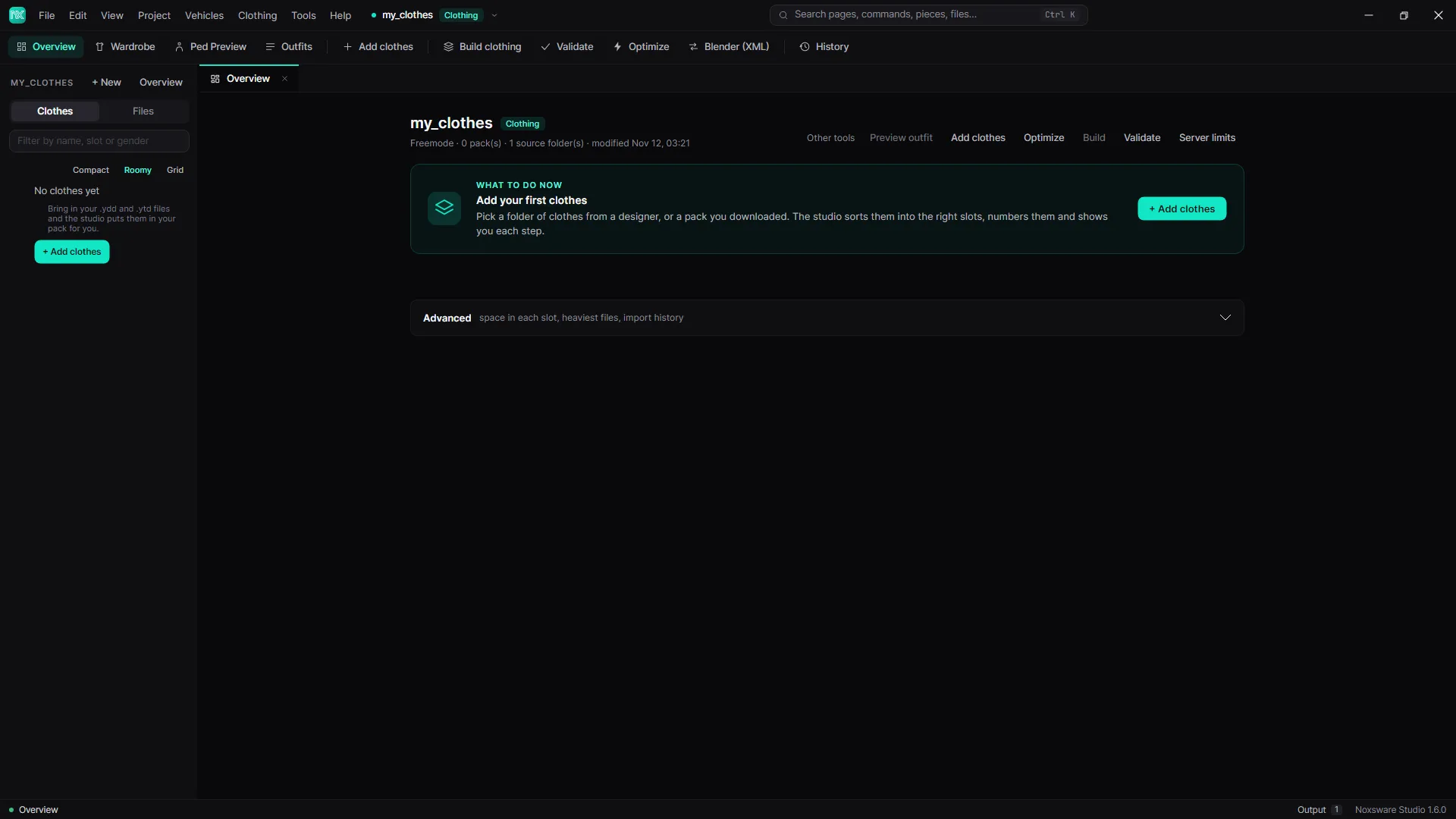
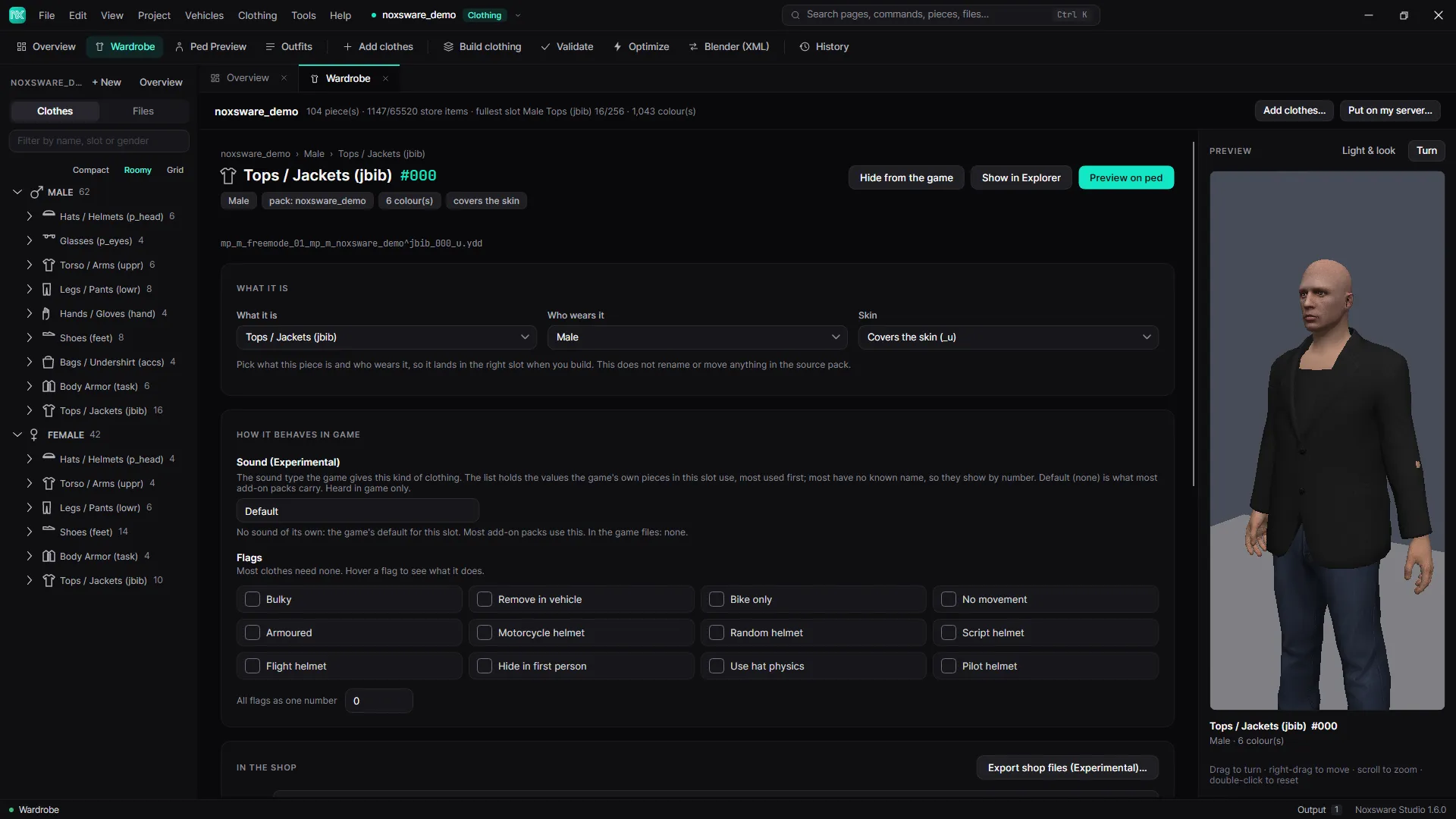
Add clothes, set colours and flags, try them on a ped and build a pack for your server.
Noxsware Studio 1.6 · Documentation
Step-by-step guides for clothing packs, vehicles, maps and animations in Noxsware Studio, with screenshots and short videos.
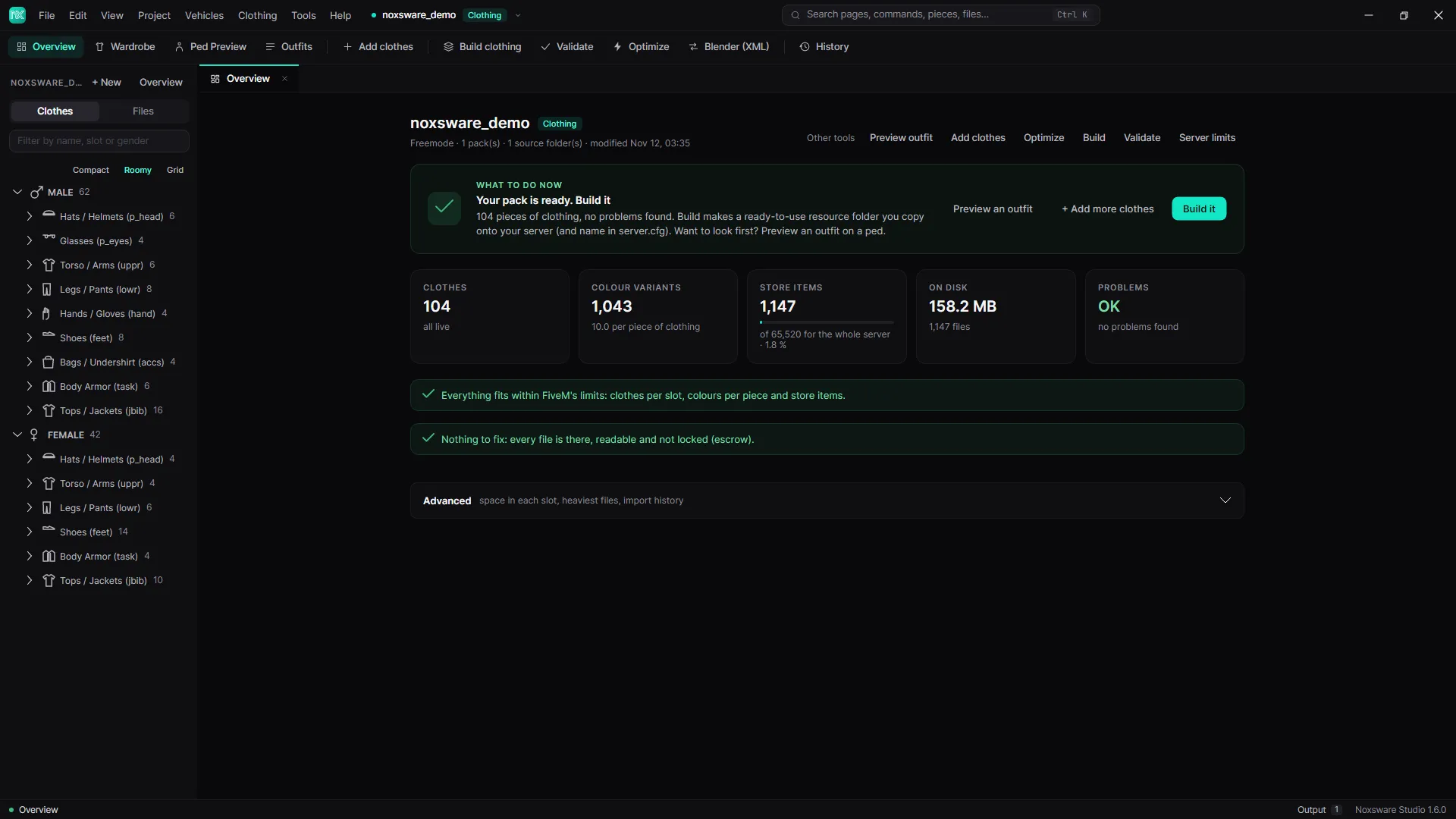
Add clothes, set colours and flags, try them on a ped and build a pack for your server.
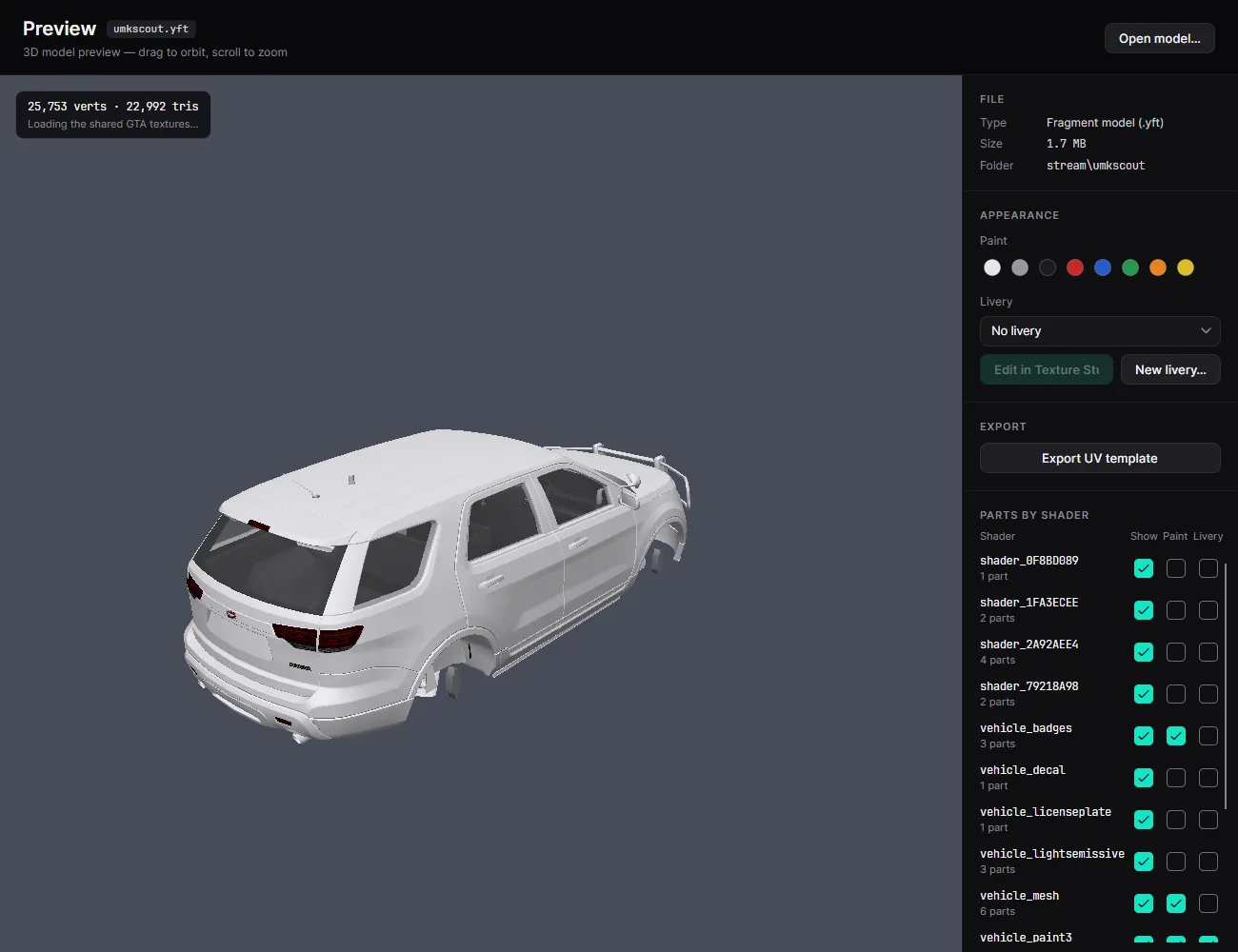
Preview cars with paint and liveries, make handling from a real car, and fix siren and kit IDs.
Check and fix interior files, and merge map files that two packs both ship.
Pose a ped, key it, and export an animation with a command to play it in game.
Download the studio from the client portal and enter your key, or continue on the free plan.
Create a pack in one click and add your .ydd and .ytd files with the wizard.
Build the pack, copy it into resources and add one line to server.cfg.
Most problems have a quick fix in Troubleshooting or the FAQ.
Still stuck? Write to noxsware@noxsware.com with your plan and what you tried.