

Server limits
All the clothing packs on a server share a few limits. Go over one and players crash while joining, or clothes go missing. Server limits checks how full your whole server is, not just the open project.
Open it from Tools → Server limits, or Server limits on the Overview page.
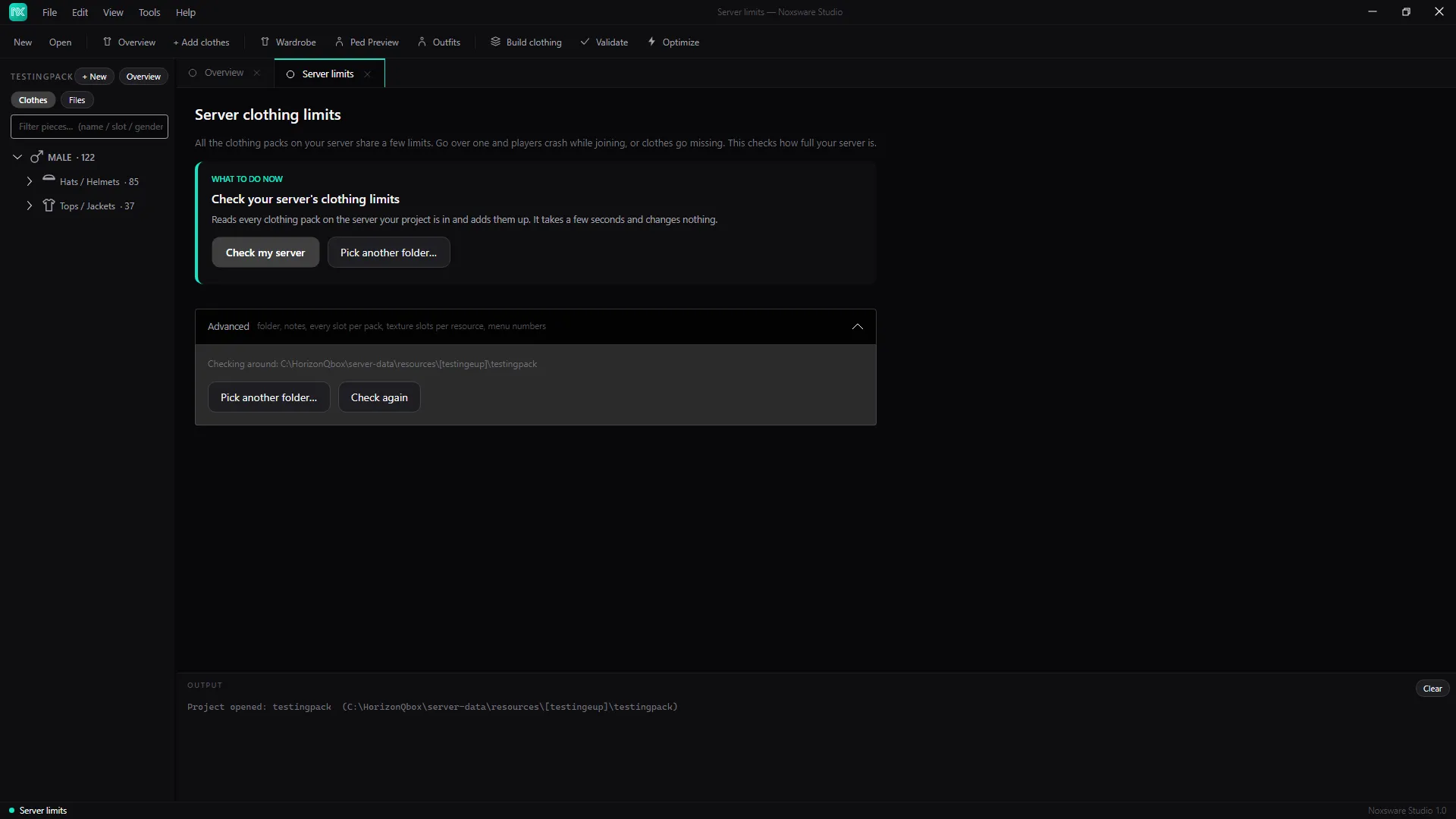
Run the check
Section titled “Run the check”- Click Check my server. The studio finds your server from the project’s folders. Use Pick another folder… to check a different server.
- It reads
server.cfgto see which packs your server actually starts, then counts every one of them.
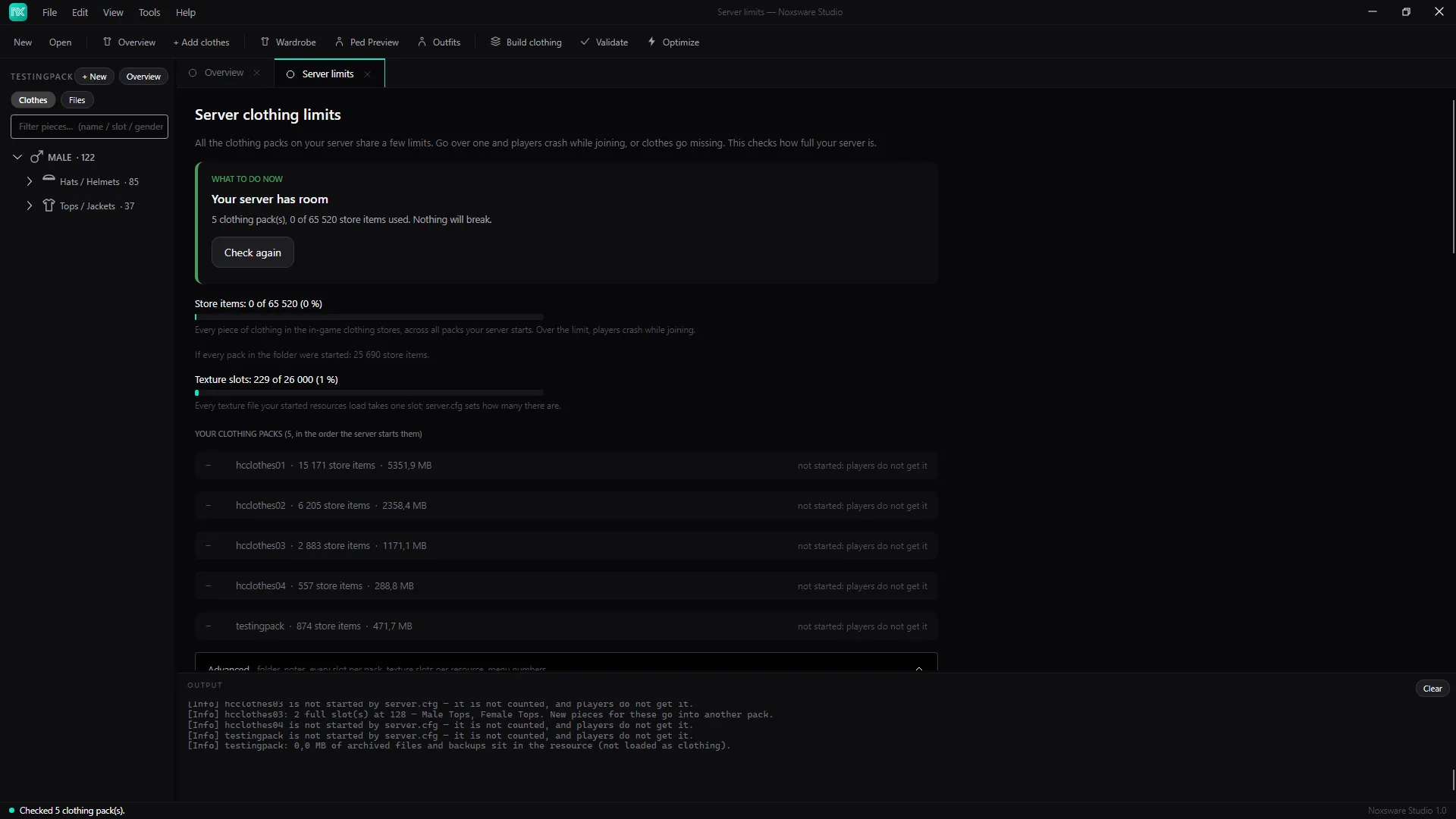
The top card tells you where you stand:
| Card | Meaning |
|---|---|
| Your server has room | Nothing will break. |
| Getting full: worth a look | Close to a limit. Read the findings below. |
| Add one line to your server.cfg | You need more texture slots. Copy the line gives you the increase_pool_size "TxdStore" N line to paste. |
| Almost out of texture slots: change one line in server.cfg | You have the line, but it’s nearly used up. Copy the new value. |
| N things will break on your server | Over a hard limit. Fix the findings before players join. |
| No clothing packs found | The folder has no clothing packs, or none are started. |
Below the card:
- Store items: N of 65 520. Every piece and every colour in the vanilla stores, across all packs your server starts. Over the limit, players crash while joining. The line under it shows what it would be if every pack in the folder were started.
- Texture slots: N of M. Every texture file your started resources load takes one slot.
server.cfgsets how many there are. - Your clothing packs, in the order the server starts them, with their store items and size on disk. Packs that aren’t started say not started: players do not get it.
Findings and what to do
Section titled “Findings and what to do”| Finding | What to do |
|---|---|
| Collection “X” is used by A and B — they load as one and overwrite each other’s pieces. | Two packs share a collection name. Rename one, or merge them with the whole-pack import. |
| X is not started by server.cfg — it is not counted, and players do not get it. | Add ensure X to server.cfg if you want it. |
| X: N full slot(s) at 128 — … New pieces for these go into another pack. | Normal for big packs. The wizard offers a second pack when you add more. |
| X: … of archived files and backups sit in the resource (not loaded as clothing). | Hidden pieces and .noxbak backups. They aren’t loaded, but they make the resource bigger to download. |
| No server.cfg found above the resources folder — every pack is counted as starting. | The numbers assume everything is started. Point the check at your real server folder. |
Under Advanced, Export menu numbers (CSV)… writes the number every piece has in clothing menus, across all started packs.
The limits themselves are listed in Game limits.